Listen in your browser
Stream books from your library with a browser player that supports seeking and chapter-based uploads.


GLOSSA LISTEN · SELF-HOSTED AUDIO LIBRARY
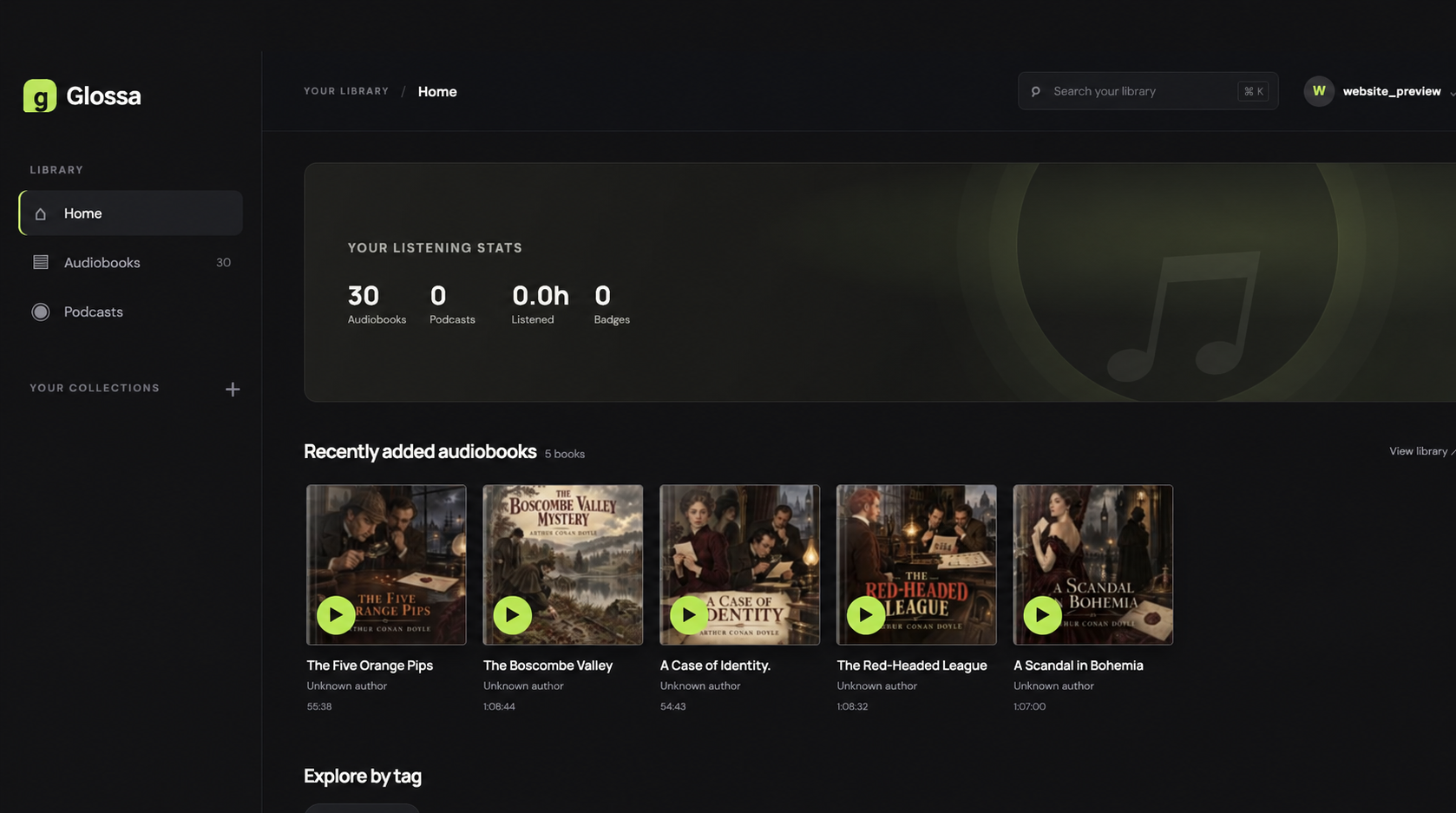
Bring audiobooks and podcasts together on your own server. Browse your library, listen in the browser, and pick up where you left off when you return.
GLOSSA LISTEN GUIDES
Choose the guide for your Glossa Listen server or listening app.
WHAT GLOSSA DOES
Keep your audiobooks together and make listening feel effortless across your devices.
Stream books from your library with a browser player that supports seeking and chapter-based uploads.
Listening progress belongs to your account, so another browser can resume from your saved position.
Use personal collections, tags, and series to find what you want to hear next.
Review listening activity, completed books, and achievements on your profile.
FOR ADMINISTRATORS
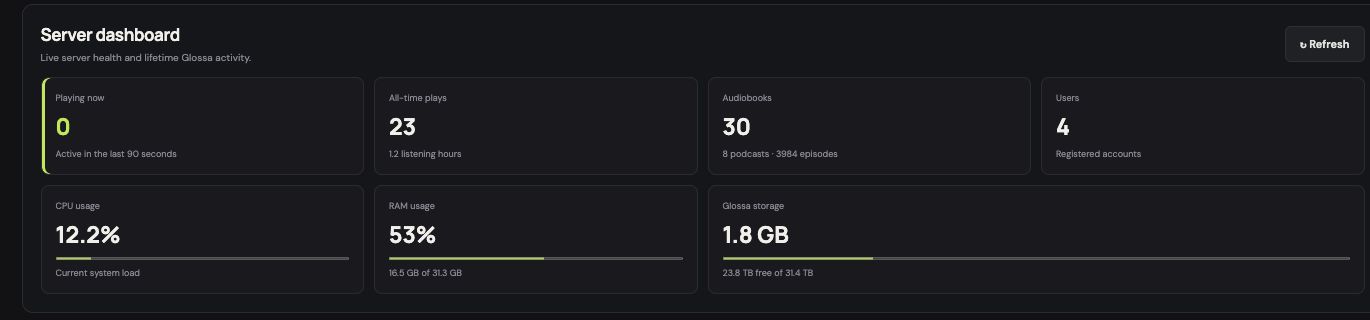
Administrators can see live server activity, library totals, and storage use from one dashboard.
GET STARTED
Read the introduction for setup, adding books, playback, and account basics. You can also read the Glossa Listen privacy policy.